How to Convert Excel to PDF for Clean, Shareable Reports
Convert Excel to PDF for clean reports. Step-by-step guide to preserve layout, print areas, and page breaks.
Why PDF Is Better for Sharing Reports
PDF preserves layout and is easier to open on different devices. It prevents accidental edits to formulas, filters, and source data.
Step-by-Step Conversion Guide
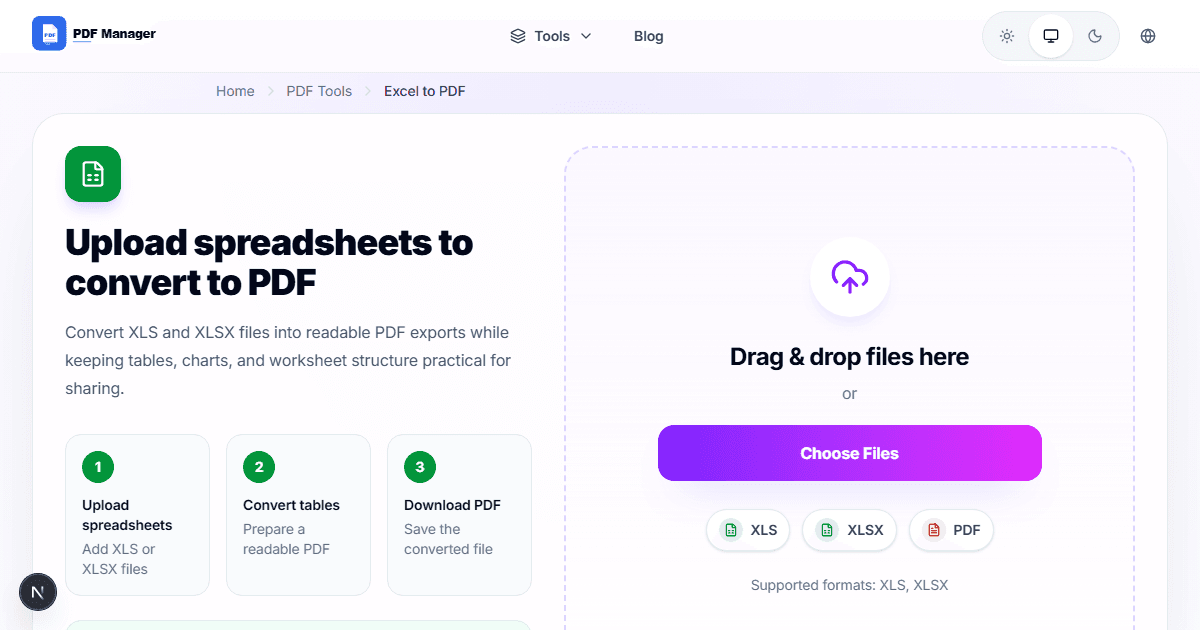
Set the print area in Excel, remove unnecessary blank rows/columns, check headers/footers, then convert using an Excel to PDF tool.
Fitting Wide Spreadsheets
Adjust column widths, use landscape orientation, or scale to fit page width. Wide sheets may split across pages without proper setup.
Why Use PDF Manager
Built for speed
Upload to result with minimal friction.
Practical workflows
Move between tools without confusion.
Simple and secure
Clear states and polished result screens.

Written by
Umar Draz
Document Tools Specialist
Software engineer with 5+ years building document processing tools. Created PDF Manager to make PDF tools accessible to everyone. Tests every feature with real-world documents before release.
Ready to use the tool?
Open the tool and follow the same workflow from this guide.
Related Tools
Related Articles
How to Convert PDF to Word Without Losing Formatting
Turn PDFs into editable Word documents while preserving structure, spacing, tables, and readable layout.
How to Convert Word to PDF (Free & Fast)
A clean guide to turning Word documents into PDFs quickly for sharing, printing, and final delivery.