
PDF Manager Guide
Convert Scanned PDF to Word Free | Editable Text Output
Convert scanned PDFs to editable Word documents for free using OCR technology. Extract text from image-based PDFs and get ready-to-edit DOCX files online.
- What Is a Scanned PDF
- Why Convert Scanned PDFs
- OCR Technology Explained
- Method 1: Free Online OCR Conversion
- Method 2: Desktop OCR Tools
- Step-by-Step Guide
- Accuracy Tips
- Frequently Asked Questions
What Is a Scanned PDF
A scanned PDF is essentially an image of a document captured by a scanner or camera. Unlike digital PDFs, scanned PDFs do not contain selectable or searchable text. Each page is a static image, making it impossible to edit, copy, or search the content without optical character recognition technology.
Why Convert Scanned PDFs
Converting scanned PDFs to Word documents allows you to edit text, fix errors, reformat content, and extract information for reuse. This is essential for digitizing paper archives, editing scanned contracts, repurposing old reports, and making inaccessible documents usable in modern workflows.
OCR Technology Explained
Optical Character Recognition analyzes the shapes of letters and numbers in scanned images and converts them into machine-readable text. Modern OCR engines use artificial intelligence and machine learning to recognize text with high accuracy, even from poor-quality scans or handwritten documents.
Method 1: Free Online OCR Conversion
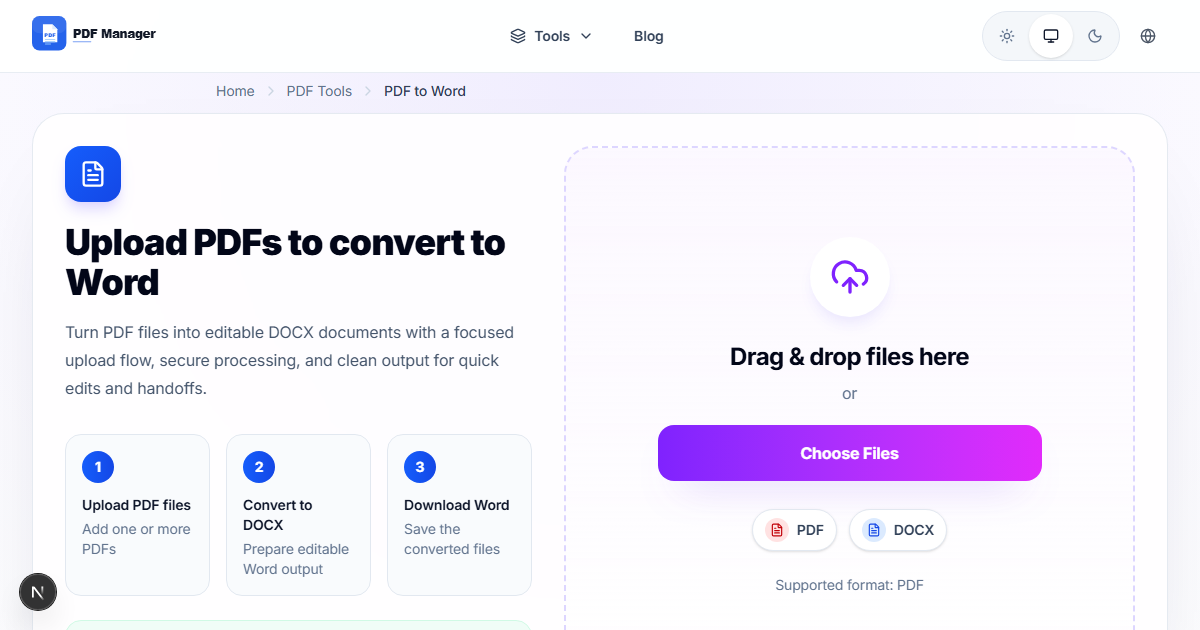
PDF Manager offers a free PDF to Word converter with built-in OCR for scanned documents. Simply upload your scanned PDF, and the system automatically detects text regions, performs OCR, and generates an editable Word document. No software installation is needed.
Method 2: Desktop OCR Tools
Adobe Acrobat Pro includes OCR capabilities that can recognize text in scanned PDFs and export to Word format. Free options like Tesseract OCR with OCRFeeder or ABBYY FineReader provide powerful desktop-based OCR solutions for bulk conversions.
Step-by-Step Guide
- Open your browser and navigate to PDF Manager's PDF to Word page.
- Click Upload and select your scanned PDF file from your device.
- Select the output format as DOCX.
- Enable OCR processing for scanned documents.
- Select the document language to improve recognition accuracy.
- Click Convert and wait for the OCR and conversion to complete.
- Preview the converted Word document in the built-in viewer.
- Download the editable DOCX file to your device.
- Open the file in Microsoft Word or Google Docs for editing.
- Review and correct any OCR errors in the converted text.
Accuracy Tips
Original scanned documents with clear, high-contrast text produce the best OCR results. Aim for 300 DPI or higher scan resolution. Correct any skew or rotation before uploading. Select the correct language for better character recognition. Review the converted document for common OCR errors like confused characters.
Frequently Asked Questions
Can I convert a scanned PDF to Word for free?
Yes, PDF Manager offers a free online converter that handles scanned PDFs with OCR technology. No credit card or registration is required for basic conversions.
How accurate is OCR for scanned PDFs?
Modern OCR achieves 95-99% accuracy on clean, typed documents. Accuracy depends on scan quality, font clarity, and language. Handwritten text and decorative fonts produce lower accuracy rates.
Does the conversion preserve original formatting?
Formatting such as font styles, sizes, and basic layout is preserved. Complex layouts with columns, tables, or text boxes may require manual adjustment after conversion.
Can I convert scanned PDFs with handwritten text?
Handwritten text recognition is available in advanced OCR tools but has lower accuracy than typed text recognition. PDF Manager supports basic handwriting recognition for clear, legible handwriting.
How long does it take to convert a scanned PDF?
Conversion time depends on file size and page count. A typical 10-page scanned PDF converts in 30-60 seconds. Larger documents may take several minutes.
Is my scanned document secure during online conversion?
PDF Manager uses SSL encryption for file uploads and automatically deletes all files from servers within one hour of processing. Your documents remain private and confidential.
Related Tools
Convert PDF to Excel for data extraction, Compress PDF for smaller files before conversion, and Merge PDF to combine multiple scanned documents.
Convert Your Scanned PDF Now
Use our free PDF to Word converter with built-in OCR. No signup required, and your files are automatically deleted after conversion.
Why Use PDF Manager
Built for quick conversions
The core tools are designed to get users from upload to result with minimal friction.
Made for practical workflows
Move from one document step to the next without hunting through a confusing tool library.
Simple and trustworthy
Clear states, secure handling, and polished result screens make the workflow easy to trust.

Umar Draz
Document Tools Specialist
Software engineer with 5+ years building document processing tools. Created PDF Manager to make PDF tools accessible to everyone. Tests every feature with real-world documents before release.
- 5+ years in document processing
- Built PDF Manager from scratch
- Tested 10,000+ PDF workflows
Ready to use the tool?
Open the tool page and follow the same workflow from this guide inside a conversion experience built for fast results.
Related Tools
Useful next steps around the same document workflow.
Related Articles
Continue with nearby guides that support the same conversion path.
From PDF
How to Convert PDF to Word Without Losing Formatting
Turn PDFs into editable Word documents while preserving structure, spacing, tables, and readable layout.
To PDF
How to Convert Word to PDF (Free & Fast)
A clean guide to turning Word documents into PDFs quickly for sharing, printing, and final delivery.
Quick Answers
Can I convert a scanned PDF to Word for free?
Yes, PDF Manager offers a free online converter that handles scanned PDFs with OCR technology. No credit card or registration is required for basic conversions.
How accurate is OCR for scanned PDFs?
Modern OCR achieves 95-99% accuracy on clean, typed documents. Accuracy depends on scan quality, font clarity, and language. Handwritten text and decorative fonts produce lower accuracy rates.
Does the conversion preserve original formatting?
Formatting such as font styles, sizes, and basic layout is preserved. Complex layouts with columns, tables, or text boxes may require manual adjustment after conversion.
Can I convert scanned PDFs with handwritten text?
Handwritten text recognition is available in advanced OCR tools but has lower accuracy than typed text recognition. PDF Manager supports basic handwriting recognition for clear, legible handwriting.
How long does it take to convert a scanned PDF?
Conversion time depends on file size and page count. A typical 10-page scanned PDF converts in 30-60 seconds. Larger documents may take several minutes.
Is my scanned document secure during online conversion?
PDF Manager uses SSL encryption for file uploads and automatically deletes all files from servers within one hour of processing. Your documents remain private and confidential.