DOCX vs PDF for Resumes: What Employers Actually Prefer
DOCX vs PDF for resumes: find out which format employers prefer, when ATS systems require Word, and how to convert safely.
Why Most Employers Prefer PDF
PDF preserves your formatting exactly as designed. Fonts, margins, and layout stay consistent across all devices and operating systems, ensuring your resume looks professional.
When DOCX Is Required
Some ATS (Applicant Tracking Systems) and recruiters specifically request Word format for parsing and editing. Always follow the employer's instructions.
How to Convert Safely
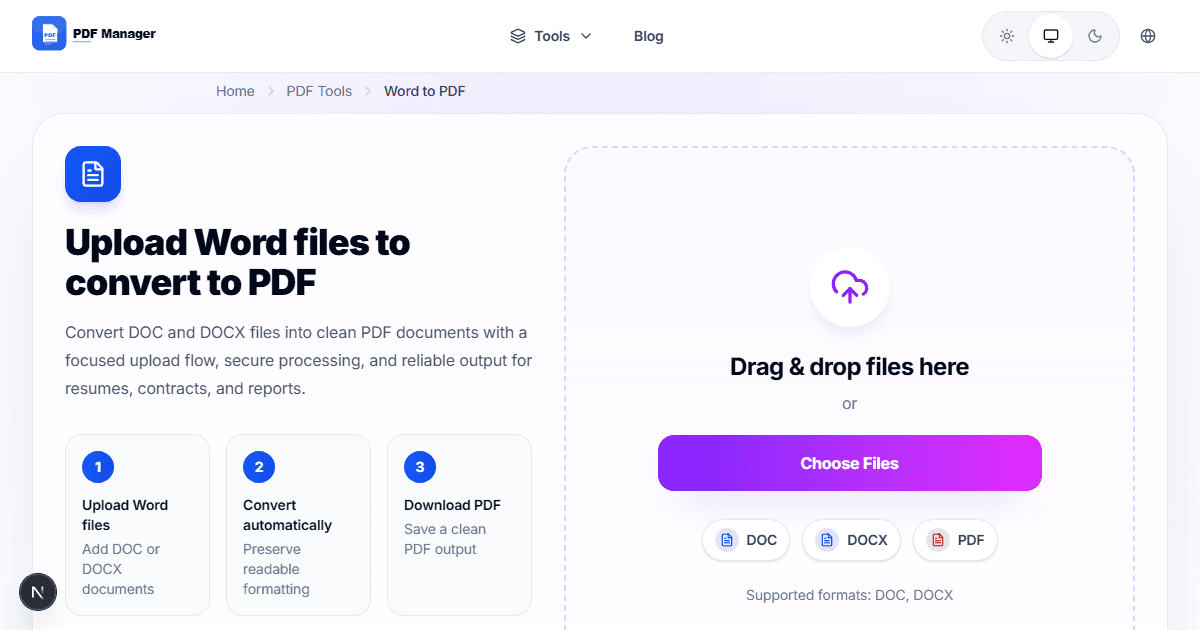
Use a Word to PDF converter to maintain formatting. Avoid print-to-PDF as it can degrade quality. Always proofread the final PDF before sending.
Resume Formatting Checklist
Use standard fonts, clear headings, consistent spacing, and keep file size under 2 MB. Name the file professionally (yourname-resume.pdf).
Why Use PDF Manager
Built for speed
Upload to result with minimal friction.
Practical workflows
Move between tools without confusion.
Simple and secure
Clear states and polished result screens.

Written by
Umar Draz
Document Tools Specialist
Software engineer with 5+ years building document processing tools. Created PDF Manager to make PDF tools accessible to everyone. Tests every feature with real-world documents before release.
Ready to use the tool?
Open the tool and follow the same workflow from this guide.
Related Tools
Related Articles
How to Convert PDF to Word Without Losing Formatting
Turn PDFs into editable Word documents while preserving structure, spacing, tables, and readable layout.
How to Convert Word to PDF (Free & Fast)
A clean guide to turning Word documents into PDFs quickly for sharing, printing, and final delivery.