How to Create a PDF Portfolio for Job Applications
Create a professional PDF portfolio for job applications. Combine your resume, cover letter, certificates, and work samples into one impressive PDF document.
Job applications often require multiple documents: resume, cover letter, certificates, work samples, and references. Sending them as separate attachments looks messy and risks files getting lost. A PDF portfolio combines everything into one clean, professional document that hiring managers can review easily.
In this guide, you will learn how to create a PDF portfolio for job applications using free online tools. PDF Manager is designed for students, businesses, teachers, and professionals who need reliable PDF tools without expensive software.
Table of Contents
- Why Create a PDF Portfolio?
- What to Include in Your Portfolio
- Step-by-Step Guide
- Tips for a Professional Portfolio
- Common Mistakes to Avoid
- Frequently Asked Questions
Why Create a PDF Portfolio?
- Professional presentation - One organized document looks more professional than 5 separate attachments.
- Easy to review - Hiring managers can scroll through everything without opening multiple files.
- Consistent formatting - PDF ensures your documents look the same on every device.
- File size control - One compressed PDF is smaller than multiple uncompressed files.
- No missing documents - Everything is in one file, so nothing gets overlooked.
- Easy to share - One attachment is easier to email and upload to application portals.
What to Include in Your Portfolio
A strong job application portfolio typically includes:
- Resume/CV - Your current resume as the first section (1-2 pages)
- Cover letter - Tailored to the specific position (1 page)
- Certificates - Relevant professional certifications and degrees
- Work samples - 3-5 examples of your best work relevant to the role
- References - A list of professional references with contact information
- Transcripts - Academic transcripts if required by the employer
- Awards - Any relevant awards or recognition
Step-by-Step Guide to Create Your Portfolio
Step 1: Prepare Each Document
Before combining, make sure each document is finalized:
- Update your resume with current experience and skills
- Write a cover letter tailored to the specific job
- Scan certificates and diplomas to PDF using JPG to PDF
- Convert work samples to PDF format using Word to PDF or Excel to PDF
Step 2: Convert All Files to PDF
Every document in your portfolio must be in PDF format. Use these tools as needed:
- Word to PDF - Convert resume and cover letter from Word
- JPG to PDF - Convert scanned certificates and photos
- Excel to PDF - Convert spreadsheets or data samples
- PPT to PDF - Convert presentation samples
Step 3: Organize the Order
Arrange your documents in a logical order. The recommended sequence is:
- Cover letter (first impression)
- Resume (qualifications overview)
- Work samples (proof of skills)
- Certificates (credentials)
- References (verification)
Step 4: Merge Everything into One PDF
- Go to Merge PDF
- Upload all your prepared PDF files
- Drag to arrange them in the correct order
- Click Merge to create a single combined document
- Download your complete portfolio PDF
Step 5: Compress for Easy Sharing
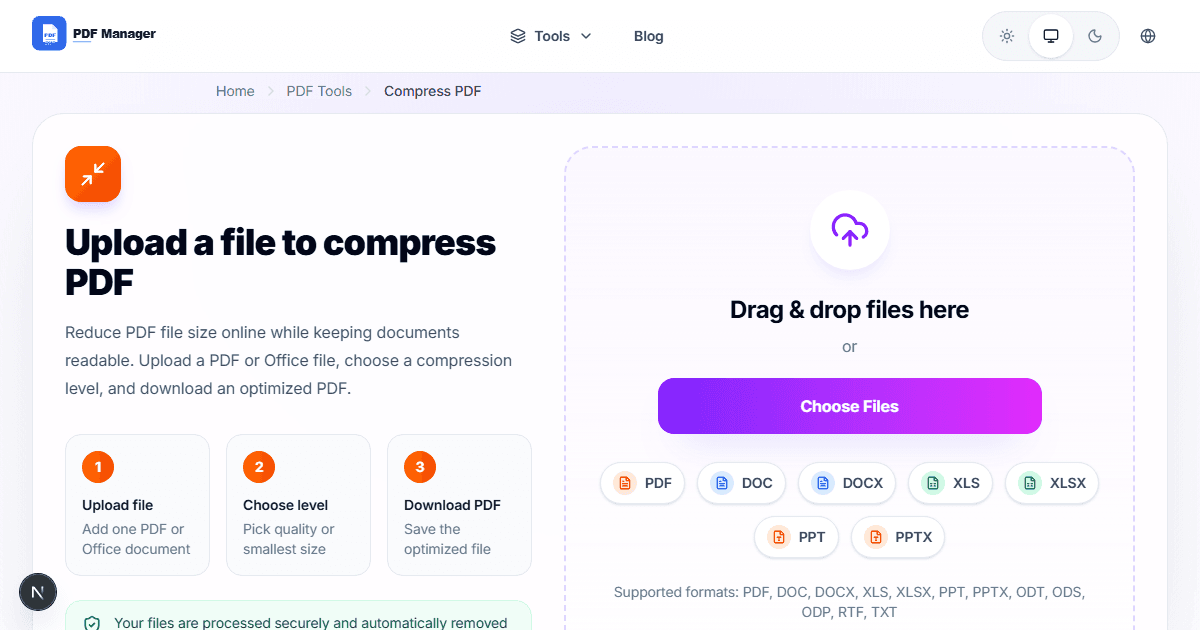
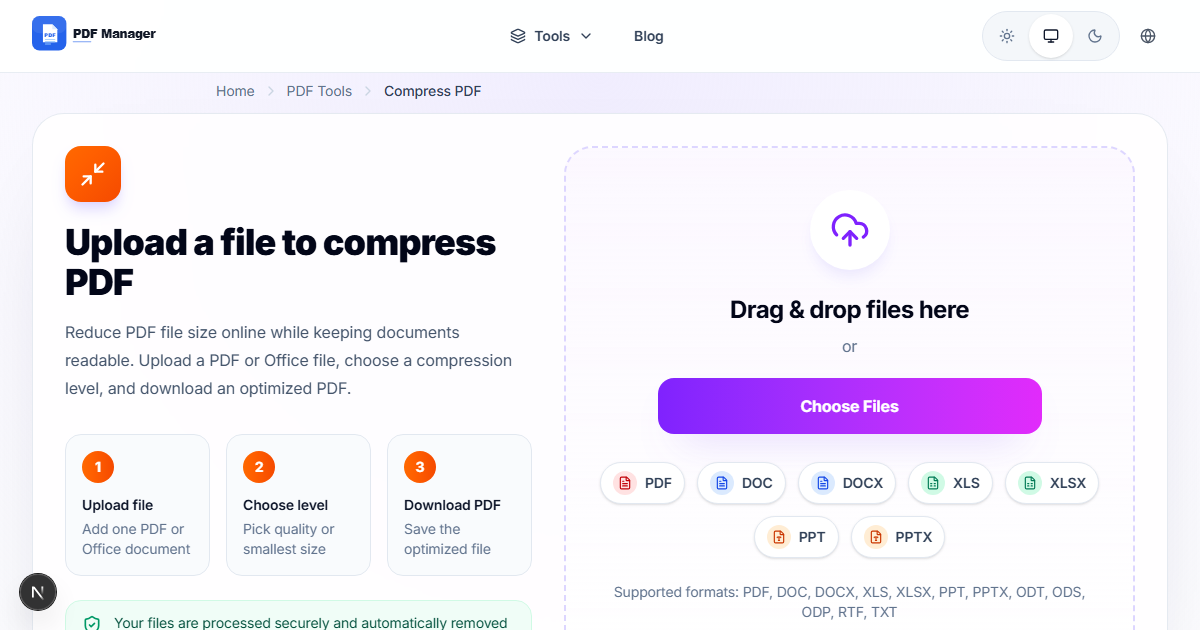
- Go to Compress PDF
- Upload your merged portfolio
- Choose Medium compression for the best balance
- Download the compressed version
- Verify the file size is under the application portal limit
Tips for a Professional Portfolio
- Keep it concise - Limit your portfolio to 15-20 pages total. Hiring managers spend an average of 7 seconds on initial resume review.
- Name your file professionally - Use format: "FirstName_LastName_Portfolio.pdf"
- Use consistent formatting - All documents should use the same font, margins, and header style.
- Include a table of contents - For portfolios over 10 pages, add a cover page listing all sections.
- Proofread everything - Typos and errors in any section reflect poorly on your attention to detail.
- Update regularly - Keep your portfolio current so you can apply quickly when opportunities arise.
Common Mistakes to Avoid
- Too many work samples - Include only your 3-5 best pieces. Quality over quantity.
- Generic cover letter - Tailor your cover letter to each specific job and company.
- Large file size - Always compress your portfolio. Files over 5MB may be rejected by application portals.
- Wrong file format - Submit PDF only. Word documents may have formatting issues on the reviewer computer.
- Missing contact information - Ensure your name, email, and phone number appear on every section.
- Outdated information - Remove old work experience and certifications that are no longer relevant.
Frequently Asked Questions
How many pages should a PDF portfolio be?
Aim for 10-20 pages. Include your cover letter (1 page), resume (1-2 pages), 3-5 work samples (1-2 pages each), and certificates. Keep it focused and relevant to the specific job.
Should I include a photo?
In most countries, including a photo on your resume is not recommended due to anti-discrimination laws. Check local norms for your specific country and industry.
Can I add bookmarks to my portfolio?
Yes. After merging, you can add bookmarks in a PDF editor to create a clickable table of contents for easy navigation.
What file size should my portfolio be?
Keep it under 5MB for email and most application portals. Use Compress PDF if your merged file is too large.
Related Tools
- Merge PDF - Combine all your documents into one portfolio
- Compress PDF - Reduce portfolio file size for easy sharing
- Word to PDF - Convert resume and cover letter to PDF format
Why Use PDF Manager
Built for speed
Upload to result with minimal friction.
Practical workflows
Move between tools without confusion.
Simple and secure
Clear states and polished result screens.

Written by
Umar Draz
Document Tools Specialist
Software engineer with 5+ years building document processing tools. Created PDF Manager to make PDF tools accessible to everyone. Tests every feature with real-world documents before release.
Ready to use the tool?
Open the tool and follow the same workflow from this guide.
Related Tools
Related Articles
How to Convert PDF to Word Without Losing Formatting
Turn PDFs into editable Word documents while preserving structure, spacing, tables, and readable layout.
How to Convert Word to PDF (Free & Fast)
A clean guide to turning Word documents into PDFs quickly for sharing, printing, and final delivery.
Quick Answers
How many pages should a PDF portfolio be?
Aim for 10-20 pages. Include your cover letter (1 page), resume (1-2 pages), 3-5 work samples (1-2 pages each), and certificates. Keep it focused and relevant to the specific job.
Should I include a photo?
In most countries, including a photo on your resume is not recommended due to anti-discrimination laws. Check local norms for your specific country and industry.
Can I add bookmarks to my portfolio?
Yes. After merging, you can add bookmarks in a PDF editor to create a clickable table of contents for easy navigation.
What file size should my portfolio be?
Keep it under 5MB for email and most application portals. Use Compress PDF if your merged file is too large.