How to Merge PDF Files on iPhone (No App Needed)
Merge PDF files on iPhone for free without downloading any app. Step-by-step guide using Safari and online tools.
Using Files App vs Browser-Based Tools
The iPhone Files app has limited PDF capabilities. Browser-based tools offer more features like reordering, rotating, and combining multiple files.
Step-by-Step: Merging PDFs on Safari
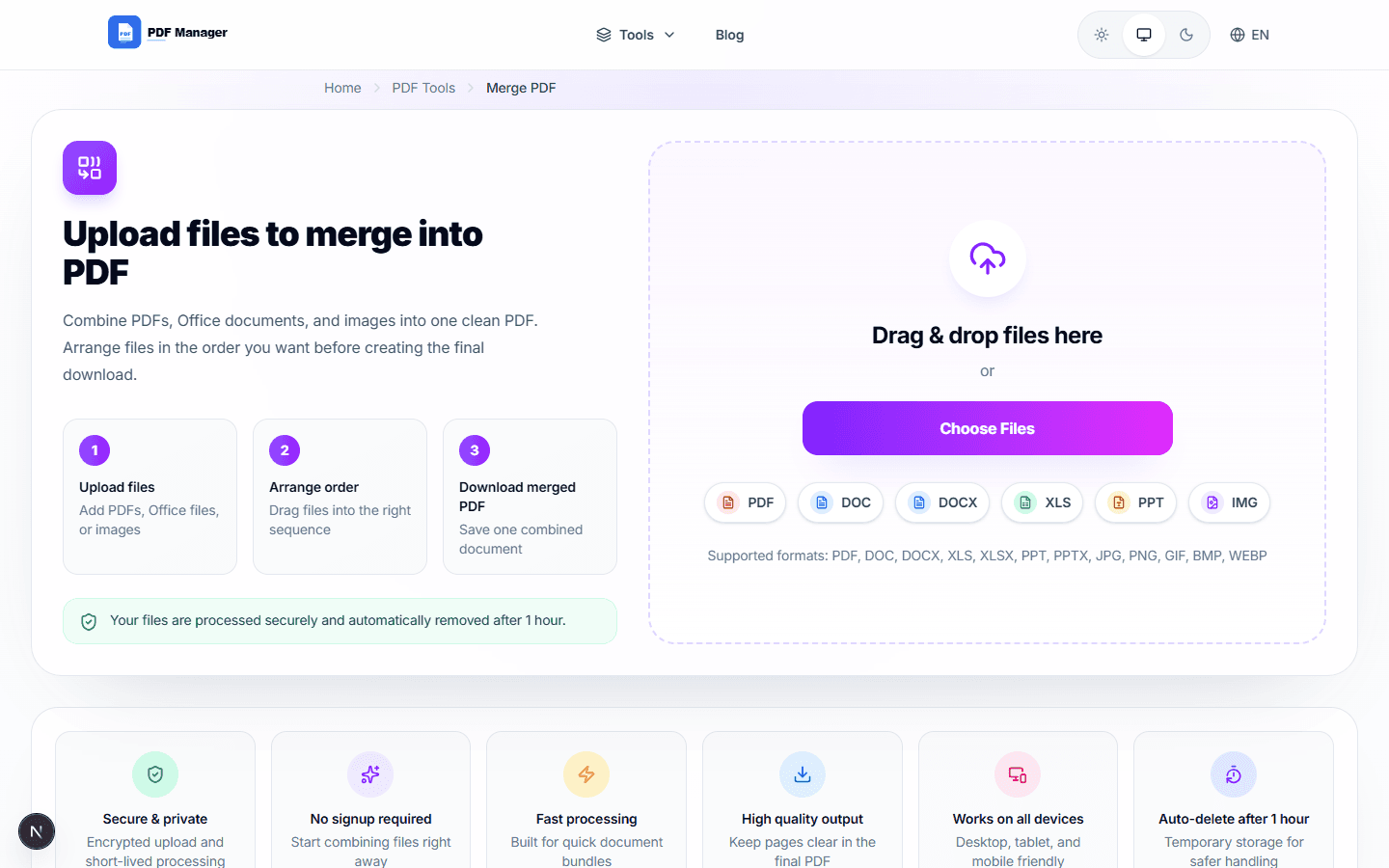
Open Safari, go to a free PDF merger tool, upload your files, arrange the order, and download the merged result. The whole process takes under a minute.
Saving and Sharing the Merged File
After downloading, tap the share button to save to Files, send via email, or share through other apps. The merged PDF works like any other file.
Why Use PDF Manager
Built for speed
Upload to result with minimal friction.
Practical workflows
Move between tools without confusion.
Simple and secure
Clear states and polished result screens.

Written by
Umar Draz
Document Tools Specialist
Software engineer with 5+ years building document processing tools. Created PDF Manager to make PDF tools accessible to everyone. Tests every feature with real-world documents before release.
Ready to use the tool?
Open the tool and follow the same workflow from this guide.
Related Tools
Related Articles
How to Convert PDF to Word Without Losing Formatting
Turn PDFs into editable Word documents while preserving structure, spacing, tables, and readable layout.
How to Convert Word to PDF (Free & Fast)
A clean guide to turning Word documents into PDFs quickly for sharing, printing, and final delivery.