
PDF Manager Guide
Online PDF Tools vs Desktop Software | Which Is Better?
Online PDF tools vs desktop software: which is better? Compare features, security, speed, and cost. Discover when to use PDF Manager and when to stick with desktop apps.
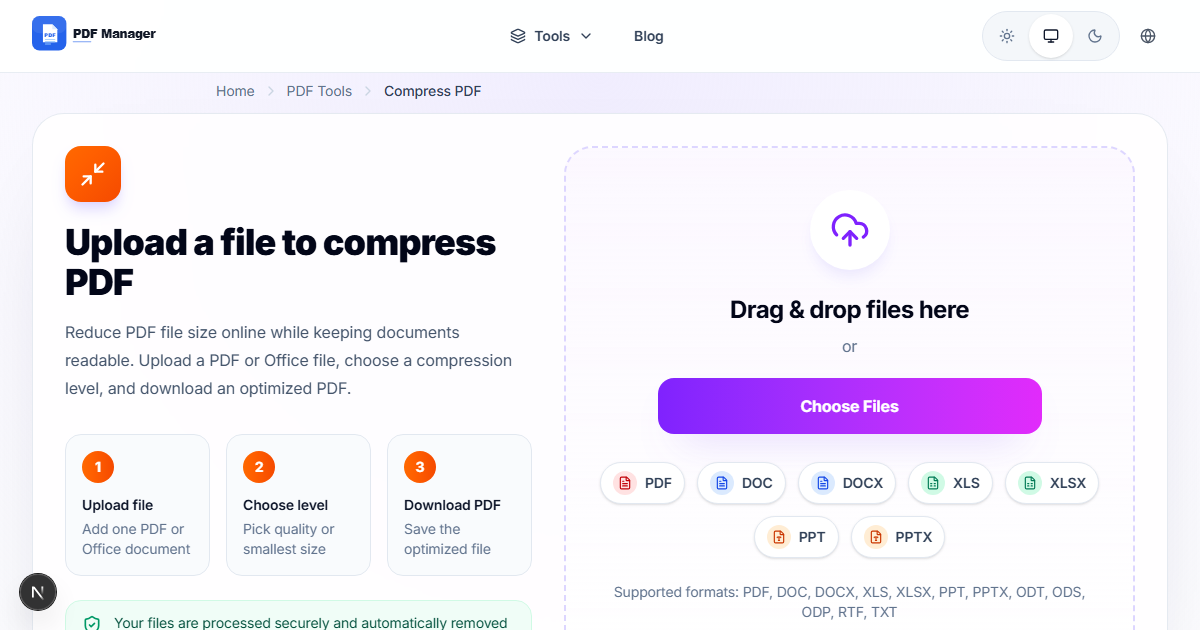
Over five years of daily use with both online and offline PDF tools, I have developed clear criteria for when each approach outperforms the other. The debate between online PDF tools and desktop software has been ongoing as both categories have matured. Online tools like PDF Manager offer convenience and accessibility, while desktop applications like Adobe Acrobat Pro and PDF24 promise power and offline capability. But which is truly better for your workflow? The answer depends on your specific needs, security requirements, and how frequently you work with PDFs. In this comprehensive comparison, we examine both approaches across multiple dimensions to help you make an informed decision.
The Case for Online PDF Tools
Online PDF tools have revolutionized document handling by removing the barrier of software installation. With a browser-based tool like PDF Manager, you can edit, merge, compress, convert, and manage PDFs from any device-a laptop at home, a desktop at the office, or a tablet on the go. There is no installation process, no license keys, and no version updates to manage. The tool is always up to date because the latest version runs on the server. Online tools also shine in collaborative environments: you can share links instead of files, and multiple team members can access the same tools without individual installations. Cost is another major advantage-many online tools offer generous free tiers that rival paid desktop software in functionality. PDF Manager, for example, provides unlimited free access to a full suite of PDF tools with no subscription required. For users who value flexibility, zero maintenance, and low cost, online tools are the clear winner.
The Case for Desktop Software
Desktop PDF software offers advantages that online tools cannot fully replicate. The most significant is offline operation: desktop software works without an internet connection, which is essential for users in remote locations, on planes, or in secure facilities with restricted web access. Desktop applications also handle large files more efficiently since processing happens locally rather than requiring file uploads. For extremely large documents (500 MB or more), desktop software avoids the time and bandwidth costs of uploading. Enterprise users often require data residency guarantees-files must never leave the corporate network-which desktop software provides by definition. Advanced features like PDF/A archiving compliance, digital signature certification, and sophisticated OCR engines are typically more robust in desktop applications. Adobe Acrobat Pro remains the gold standard for professional PDF workflows, albeit at a significant cost.
Head-to-Head Comparison
| Criteria | Online PDF Tools | Desktop Software |
|---|---|---|
| Accessibility | Any device, any OS | Installed machine only |
| Installation Required | No | Yes |
| Offline Operation | No | Yes |
| Cost (Free Tier) | Generous (PDF Manager: unlimited) | Limited or trial-based |
| Cost (Pro/Paid) | $0-12/month | $15-30/month or one-time |
| Large File Handling | Depends on upload speed | Fast (local processing) |
| Automatic Updates | Always current | Manual updates |
| Data Privacy | Server-dependent (files uploaded) | Files stay on your machine |
| Advanced Features | Good for 90% of use cases | Comprehensive, specialized |
| Collaboration | Easy link sharing | File-based sharing |
| Storage Management | No local storage used | Uses local disk space |
| Learning Curve | Minimal | Moderate to steep |
The Hybrid Approach
For many users, the optimal solution is not choosing one approach over the other but combining both. Use online tools like PDF Manager for your daily, quick PDF tasks-merging documents, compressing files for email, converting a PDF to Word, or making quick text edits. These tasks benefit from the speed and convenience of browser-based tools. Keep desktop software like Adobe Acrobat Pro or PDF24's desktop app for specialized needs: processing sensitive documents that cannot leave your network, handling extremely large files, or performing complex operations like advanced OCR or PDF/A compliance checks. This hybrid strategy lets you enjoy the best of both worlds-the convenience and low cost of online tools for routine work, combined with the power and privacy of desktop software for edge cases.
Use Case Scenarios
To help you decide, here are common scenarios and which approach fits best. Scenario one: you're a freelancer working from coffee shops and co-working spaces. Online tools are ideal because you can work from any device without carrying software licenses. Scenario two: you handle legal documents with confidentiality requirements. Desktop software or a hybrid approach with careful vetting of online tools' security policies is recommended. Scenario three: you manage a small business and need to process quotes, invoices, and contracts daily. Online tools provide the best value, as PDF Manager covers all your needs for free. Scenario four: you're a graphic designer working with large, image-heavy PDF portfolios. Desktop software handles the file sizes more efficiently. Scenario five: you're a student on a tight budget who needs occasional PDF editing. Online tools are the obvious choice since they're free and require no installation on shared university computers.
Frequently Asked Questions
Are online PDF tools as secure as desktop software?
Reputable online tools use encryption for file transfers and automatic server deletion protocols. For most documents, online tools are sufficiently secure. However, for highly sensitive or classified documents, desktop software that keeps files entirely on your local machine offers superior data control.
Can online PDF tools replace Adobe Acrobat Pro entirely?
For the majority of users, yes. Online tools like PDF Manager cover 90% of common PDF tasks including editing, converting, merging, and compressing. Adobe Acrobat Pro remains necessary only for specialized workflows like advanced PDF forms, PDF/A archiving, or enterprise deployment.
What happens to my files when using online PDF tools?
Files uploaded to reputable online tools are encrypted during transfer, processed on secure servers, and automatically deleted within hours. Always check the privacy policy of any online tool you use to understand their data handling practices.
Do online PDF tools work on mobile devices?
Yes, most online PDF tools are browser-based and responsive, working on smartphones and tablets. This is a significant advantage over desktop software, which is typically limited to computers.
Which is more cost-effective: online or desktop PDF tools?
Online tools are significantly more cost-effective, especially for individual users and small businesses. Many offer generous free tiers (PDF Manager is entirely free), while desktop software often requires expensive licenses or subscriptions. Over time, online tools save hundreds of dollars annually.
Can I use online PDF tools offline?
No, online tools require an internet connection to upload files and process them on the server. This is the primary limitation compared to desktop software. If you frequently work without internet access, desktop software is necessary.
Which approach is better for large teams?
Online tools are generally better for teams because they provide consistent access across all devices without individual installations. Team members can use the same tools regardless of their operating system, and there are no license management headaches.
Related Tools
- Free Alternative to Adobe PDF Editor
- PDF24 Alternative Online
- Free PDF Editor No Watermark
- Best PDF Compressor Free
- Free PDF to Word Converter No Limit
Get Started with Online Tools
Ready to experience the convenience of online PDF tools? Start using PDF Manager today-completely free, with no installation, no signup, and no limits. For 90% of your PDF tasks, it's all you'll ever need. And when you do need desktop software for specialized tasks, you'll have PDF Manager as your reliable everyday companion. Try it now and discover how effortless PDF management can be.
Why Use PDF Manager
Built for quick conversions
The core tools are designed to get users from upload to result with minimal friction.
Made for practical workflows
Move from one document step to the next without hunting through a confusing tool library.
Simple and trustworthy
Clear states, secure handling, and polished result screens make the workflow easy to trust.

Umar Draz
Document Tools Specialist
Software engineer with 5+ years building document processing tools. Created PDF Manager to make PDF tools accessible to everyone. Tests every feature with real-world documents before release.
- 5+ years in document processing
- Built PDF Manager from scratch
- Tested 10,000+ PDF workflows
Ready to use the tool?
Open the tool page and follow the same workflow from this guide inside a conversion experience built for fast results.
Related Tools
Useful next steps around the same document workflow.
Related Articles
Continue with nearby guides that support the same conversion path.
From PDF
How to Convert PDF to Word Without Losing Formatting
Turn PDFs into editable Word documents while preserving structure, spacing, tables, and readable layout.
To PDF
How to Convert Word to PDF (Free & Fast)
A clean guide to turning Word documents into PDFs quickly for sharing, printing, and final delivery.
Quick Answers
Are online PDF tools as secure as desktop software?
Reputable online tools use encryption for file transfers and automatic server deletion protocols. For most documents, online tools are sufficiently secure. However, for highly sensitive or classified documents, desktop software that keeps files entirely on your local machine offers superior data control.
Can online PDF tools replace Adobe Acrobat Pro entirely?
For the majority of users, yes. Online tools like PDF Manager cover 90% of common PDF tasks including editing, converting, merging, and compressing. Adobe Acrobat Pro remains necessary only for specialized workflows like advanced PDF forms, PDF/A archiving, or enterprise deployment.
What happens to my files when using online PDF tools?
Files uploaded to reputable online tools are encrypted during transfer, processed on secure servers, and automatically deleted within hours. Always check the privacy policy of any online tool you use to understand their data handling practices.
Do online PDF tools work on mobile devices?
Yes, most online PDF tools are browser-based and responsive, working on smartphones and tablets. This is a significant advantage over desktop software, which is typically limited to computers.
Which is more cost-effective: online or desktop PDF tools?
Online tools are significantly more cost-effective, especially for individual users and small businesses. Many offer generous free tiers (PDF Manager is entirely free), while desktop software often requires expensive licenses or subscriptions. Over time, online tools save hundreds of dollars annually.
Can I use online PDF tools offline?
No, online tools require an internet connection to upload files and process them on the server. This is the primary limitation compared to desktop software. If you frequently work without internet access, desktop software is necessary.
Which approach is better for large teams?
Online tools are generally better for teams because they provide consistent access across all devices without individual installations. Team members can use the same tools regardless of their operating system, and there are no license management headaches.