PDF vs PNG for Scanned Documents: Which Is Better?
PDF vs PNG for scanned documents: compare file size, quality, searchability, and multi-page support to choose the right format.
File Size and Quality Comparison
PNG offers lossless quality but larger files. PDF with embedded images provides similar quality with better compression. For scans, PDF is usually the better choice.
Searchability and OCR
PDF supports OCR (Optical Character Recognition) to make scanned text searchable. PNG is just an image with no text recognition capability.
Multi-Page Scanning
PDF handles multiple pages natively. With PNG, each page becomes a separate file, making organization difficult. PDF keeps everything in one document.
Converting Scanned Images to PDF
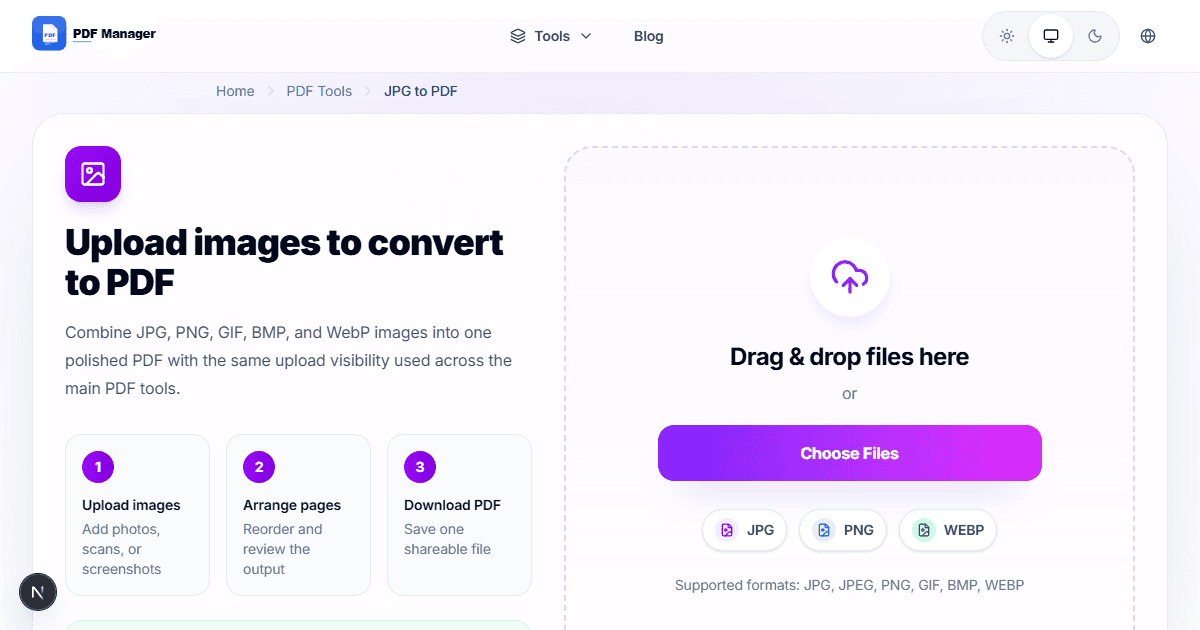
Use a JPG to PDF tool to combine multiple scanned images into a single searchable PDF document.
Why Use PDF Manager
Built for speed
Upload to result with minimal friction.
Practical workflows
Move between tools without confusion.
Simple and secure
Clear states and polished result screens.

Written by
Umar Draz
Document Tools Specialist
Software engineer with 5+ years building document processing tools. Created PDF Manager to make PDF tools accessible to everyone. Tests every feature with real-world documents before release.
Ready to use the tool?
Open the tool and follow the same workflow from this guide.
Related Tools
Related Articles
How to Convert PDF to Word Without Losing Formatting
Turn PDFs into editable Word documents while preserving structure, spacing, tables, and readable layout.
How to Convert Word to PDF (Free & Fast)
A clean guide to turning Word documents into PDFs quickly for sharing, printing, and final delivery.