PDF Won't Open? Here's Why (and How to Fix It)
PDF won't open? Discover common causes like corrupted files, outdated readers, and browser issues, plus quick fixes to resolve the problem.
Corrupted File During Download or Upload
If the download was interrupted or the upload failed midway, the PDF may be incomplete. Try re-downloading the file or asking the sender to re-send it.
Wrong or Outdated PDF Reader
Older versions of Adobe Reader or alternative viewers may not support newer PDF features. Update your reader or try opening the file in a different application or browser.
Password-Protected File Issues
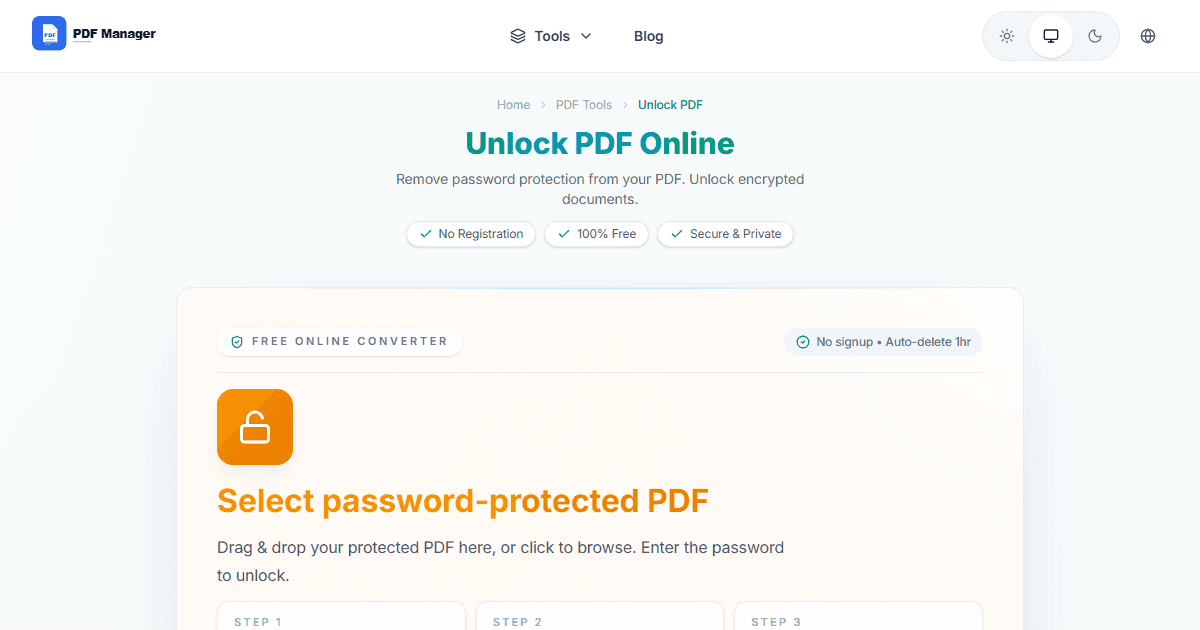
If the PDF is password-protected and you don't have the correct password, the file will appear locked or unopenable. Verify you have the right credentials.
How to Repair or Rebuild a Broken PDF
Online PDF repair tools can often recover corrupted files. If that fails, try merging the broken PDF with a blank page to rebuild the file structure.
Why Use PDF Manager
Built for speed
Upload to result with minimal friction.
Practical workflows
Move between tools without confusion.
Simple and secure
Clear states and polished result screens.

Written by
Umar Draz
Document Tools Specialist
Software engineer with 5+ years building document processing tools. Created PDF Manager to make PDF tools accessible to everyone. Tests every feature with real-world documents before release.
Ready to use the tool?
Open the tool and follow the same workflow from this guide.
Related Tools
Related Articles
How to Convert PDF to Word Without Losing Formatting
Turn PDFs into editable Word documents while preserving structure, spacing, tables, and readable layout.
How to Convert Word to PDF (Free & Fast)
A clean guide to turning Word documents into PDFs quickly for sharing, printing, and final delivery.