Why Is My PDF File So Large? (And How to Fix It)
Why is your PDF so large? Learn the main causes of oversized PDFs and how to compress them quickly without losing quality.
Common Reasons PDFs Become Oversized
PDFs can become large for several reasons: high-resolution images, embedded fonts, scanned pages saved as images, and uncompressed content. Understanding the root cause helps you choose the right fix.
How to Check Your PDF's File Size
Right-click the file and check properties, or open it in a browser and look at the download size. A typical text-only PDF should be under 1 MB. If yours is 10 MB or more, images are likely the culprit.
Fastest Way to Shrink a PDF Without Losing Quality
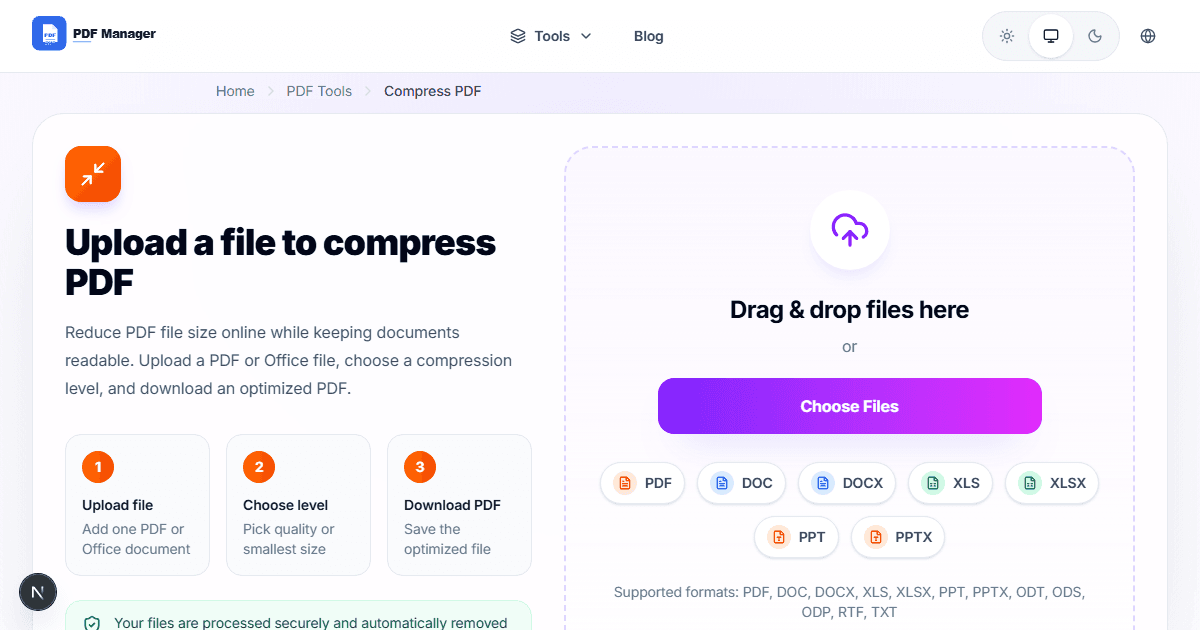
Use a free online compressor to reduce image DPI, remove unnecessary metadata, and compress embedded objects. Most tools can cut file size by 50-80% with no visible quality loss.
When to Compress vs When to Split Instead
If only certain pages are large, splitting the file may be better than compressing everything. For email limits, compression is usually faster. For upload portals with strict limits, try both approaches.
Why Use PDF Manager
Built for speed
Upload to result with minimal friction.
Practical workflows
Move between tools without confusion.
Simple and secure
Clear states and polished result screens.

Written by
Umar Draz
Document Tools Specialist
Software engineer with 5+ years building document processing tools. Created PDF Manager to make PDF tools accessible to everyone. Tests every feature with real-world documents before release.
Ready to use the tool?
Open the tool and follow the same workflow from this guide.
Related Tools
Related Articles
How to Convert PDF to Word Without Losing Formatting
Turn PDFs into editable Word documents while preserving structure, spacing, tables, and readable layout.
How to Convert Word to PDF (Free & Fast)
A clean guide to turning Word documents into PDFs quickly for sharing, printing, and final delivery.