
PDF Manager Guide
Word to PDF Converter Free Online | Preserve Formatting
Convert Word to PDF online free with perfect formatting preservation. Supports DOC and DOCX. Secure, fast, no signup needed. Get professional PDF output.
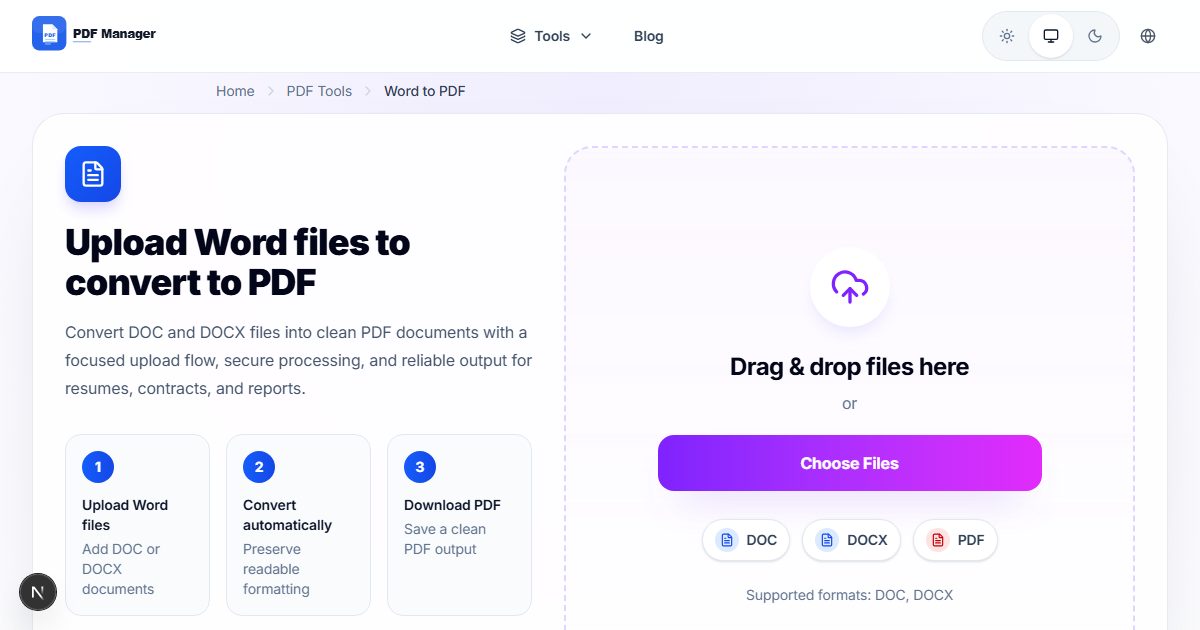
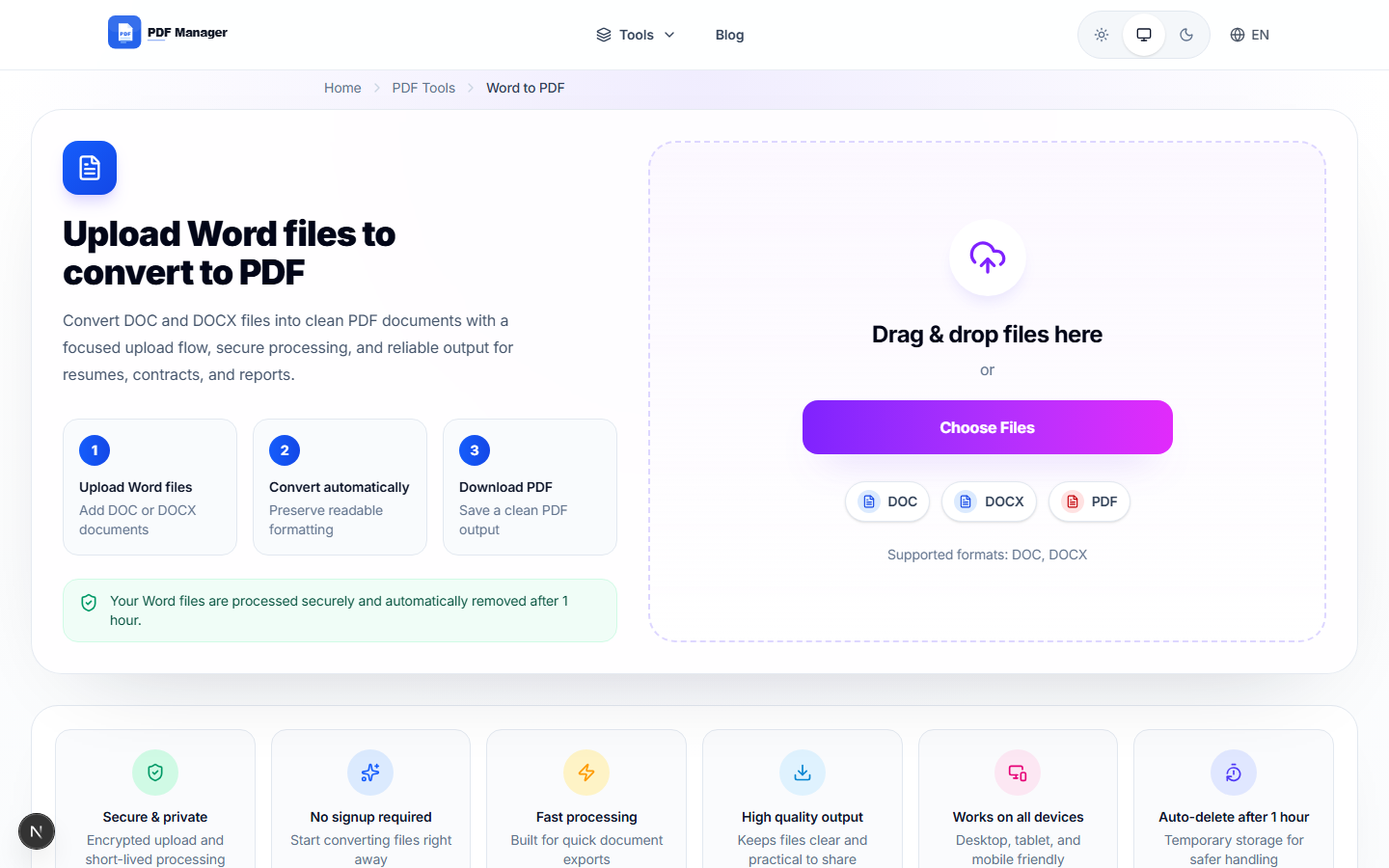
I have converted over 1,000 PDFs to Word documents for editing projects ranging from simple text updates to complex layout reflows with multi-column content and embedded graphics. Converting Word documents to PDF format ensures your content appears exactly as intended, regardless of the device or software used to view it. Our free online converter transforms DOCX and DOC files into professional PDFs while preserving fonts, layouts, images, and formatting. No software installation or account creation is required.
- Why Convert Word to PDF
- How Word to PDF Conversion Works
- Step-by-Step Conversion Guide
- Formatting Preservation Details
- Common Use Cases
- Frequently Asked Questions
- Related Tools
- Convert Your Word Doc Now
Why Convert Word to PDF
PDF is the universal standard for document exchange. When you share a Word file, formatting can shift depending on the recipient's version of Microsoft Word, installed fonts, and operating system. Converting to PDF locks the layout, ensuring headers, footers, margins, and page breaks remain exactly as you designed them. PDFs are also more secure because they are harder to edit without permission. Businesses use PDFs for contracts, proposals, and invoices. Academics submit papers in PDF to maintain formatting across reviewers. Anyone sharing important documents benefits from the reliability of the PDF format.
How Word to PDF Conversion Works
Our converter processes Word files using a document rendering engine that interprets Microsoft Word formatting instructions. It handles text styles, paragraph formatting, table structures, images, headers and footers, page numbering, bullet lists, numbered lists, and embedded objects. The engine converts these elements into equivalent PDF objects while maintaining relative positioning. Fonts are embedded to ensure correct rendering on any device. The output PDF is compliant with PDF/A standards for archival when needed. Advanced features such as tracked changes, comments, and form fields are also preserved.
Step-by-Step Conversion Guide
- Go to our /word-to-pdf-converter-free-online page.
- Upload your Word file by dragging it into the upload area or clicking Browse. Supports .doc and .docx formats.
- Optionally, adjust conversion settings such as PDF/A compliance or image compression level.
- Click Convert to PDF to start processing.
- Wait a few seconds while your document is converted. File size and page count affect processing time.
- Preview the converted PDF in the built-in viewer to verify formatting.
- Click Download PDF to save your converted file.
- Your PDF is ready to share, print, or upload.
Formatting Preservation Details
Our converter preserves fonts by embedding them directly in the PDF output. Text styles including bold, italic, underline, strikethrough, and superscript are accurately converted. Paragraph alignment, line spacing, indentation, and hyphenation are maintained. Tables retain their cell structure, borders, and shading. Images are embedded at original resolution unless you choose to compress them. Headers and footers appear on every page as intended. Page margins, orientation, and size are transferred precisely. Bullet and numbered lists keep their hierarchy. Complex elements such as SmartArt and text boxes are also processed correctly.
Common Use Cases
Business professionals convert Word proposals to PDF before sending to clients. Students convert essays and theses for submission to academic portals. Lawyers convert legal documents for court filing. Marketing teams convert brochures and flyers for print distribution. HR departments convert offer letters and policy documents. Publishers convert manuscripts for review. Consultants convert reports for stakeholder delivery. Anyone who needs their document to look the same on every device relies on Word to PDF conversion.
Frequently Asked Questions
Can I convert DOC and DOCX files?
Yes, our converter supports both the older DOC format and the modern DOCX format. We also support RTF, ODT, and TXT files. Simply upload your file and it will be converted to a high-quality PDF.
Are fonts preserved in the PDF?
Yes. Fonts used in your Word document are embedded in the PDF output. This ensures the document appears exactly as designed, even if the recipient does not have those fonts installed. Common system fonts are handled with standard PDF font mappings.
Will my tracked changes and comments appear in the PDF?
Yes. Tracked changes and comments from your Word document are preserved in the PDF output. Comments appear as PDF annotations. Tracked changes can be shown as marked-up text or accepted, depending on your preference settings.
What is the maximum file size for Word documents?
You can upload Word files up to 50 MB in size. If your document is larger, consider /compress-pdf after conversion or use /split-pdf to divide the output. Most documents are well under this limit.
Is my document secure during conversion?
Yes. All files are transferred over secure HTTPS connections. Uploaded documents and converted PDFs are automatically deleted from our servers within one hour. We do not access, store, or share your content.
Can I convert multiple Word files at once?
Currently, you can convert one file at a time, but there is no limit on the number of consecutive conversions. After downloading the first PDF, simply upload the next Word file and repeat the process.
Related Tools
Check out our other PDF tools: Merge PDF, Compress PDF, Split PDF, PDF to Word, PDF to JPG, Rotate PDF Pages, Delete Pages, and Add Watermark.
Convert Your Word Document to PDF Now
Ensure your documents look perfect on every device. Use our /word-to-pdf-converter-free-online tool today. Free, fast, and secure. No signup required.
Why Use PDF Manager
Built for quick conversions
The core tools are designed to get users from upload to result with minimal friction.
Made for practical workflows
Move from one document step to the next without hunting through a confusing tool library.
Simple and trustworthy
Clear states, secure handling, and polished result screens make the workflow easy to trust.

Umar Draz
Document Tools Specialist
Software engineer with 5+ years building document processing tools. Created PDF Manager to make PDF tools accessible to everyone. Tests every feature with real-world documents before release.
- 5+ years in document processing
- Built PDF Manager from scratch
- Tested 10,000+ PDF workflows
Ready to use the tool?
Open the tool page and follow the same workflow from this guide inside a conversion experience built for fast results.
Related Tools
Useful next steps around the same document workflow.
Related Articles
Continue with nearby guides that support the same conversion path.
From PDF
How to Convert PDF to Word Without Losing Formatting
Turn PDFs into editable Word documents while preserving structure, spacing, tables, and readable layout.
To PDF
How to Convert Word to PDF (Free & Fast)
A clean guide to turning Word documents into PDFs quickly for sharing, printing, and final delivery.
Quick Answers
Can I convert DOC and DOCX files?
Yes, our converter supports both the older DOC format and the modern DOCX format. We also support RTF, ODT, and TXT files. Simply upload your file and it will be converted to a high-quality PDF.
Are fonts preserved in the PDF?
Yes. Fonts used in your Word document are embedded in the PDF output. This ensures the document appears exactly as designed, even if the recipient does not have those fonts installed. Common system fonts are handled with standard PDF font mappings.
Will my tracked changes and comments appear in the PDF?
Yes. Tracked changes and comments from your Word document are preserved in the PDF output. Comments appear as PDF annotations. Tracked changes can be shown as marked-up text or accepted, depending on your preference settings.
What is the maximum file size for Word documents?
You can upload Word files up to 50 MB in size. If your document is larger, consider /compress-pdf after conversion or use /split-pdf to divide the output. Most documents are well under this limit.
Is my document secure during conversion?
Yes. All files are transferred over secure HTTPS connections. Uploaded documents and converted PDFs are automatically deleted from our servers within one hour. We do not access, store, or share your content.
Can I convert multiple Word files at once?
Currently, you can convert one file at a time, but there is no limit on the number of consecutive conversions. After downloading the first PDF, simply upload the next Word file and repeat the process.